Reimagining the digital storefront for Tanishq
A 4-week UX design project for India's largest jewellery brand, focused on redesigning the Header and Search experience to shift user behavior from transactional searching to experiential browsing behaviour
Roles and Responsibilities
My role: Product Designer
Timeline: 4 weeks
Team: Product Manager, Client
UI/UX design
Jewellery E-commerce
Where it all started
The client came to us with a discovery problem. Users were ignoring the navigation and relying entirely on search.
Navigation Was Being Ignored
Physical Store
Warm lighting, jewelry on mannequins, inviting display.
Digital Storefront
Text-heavy, clinical, white background.
When you walk into a Tanishq store, you are seduced by the display. You don't need to ask for a specific item to start shopping, the store shows you what you might like. But Tanishq digital storefront was doing the opposite.
It was a warehouse list. Text-heavy and clinical. I realized they had a Storefront problem : The brand promise was luxury, but the navigation experience was meh!!
The Silent Search on their website

Input "Necklace" → Zero Feedback
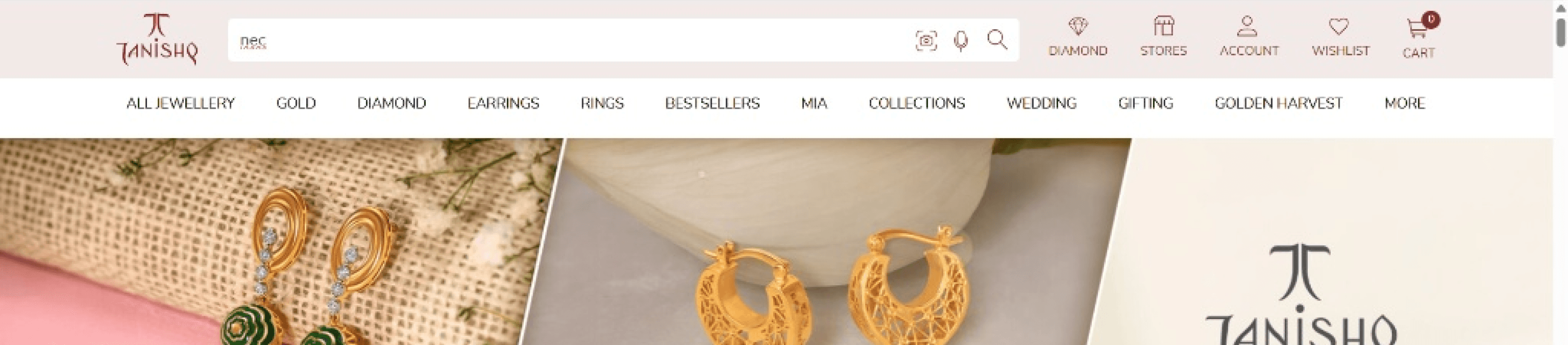
The second issue was the Search. When users couldn't find inspiration in the menu, they turned to the search bar. But the experience was like talking to a brick wall. You type, and the system waits. No suggestions, no guidance, no 'Did you mean…?'. It was a high-friction interaction for a high-value customer.
Goals
Shifting the Mental Model

Our goal wasn't just to 'clean up the UI.' It was a fundamental shift in behaviour. I wanted to move users from a 'Search & Retrieve' mindset (where they have to do all the work) to an 'Explore & Discover' mindset, where the interface does the heavy lifting.
Research & Exploration
The Right Map, The Wrong Lens
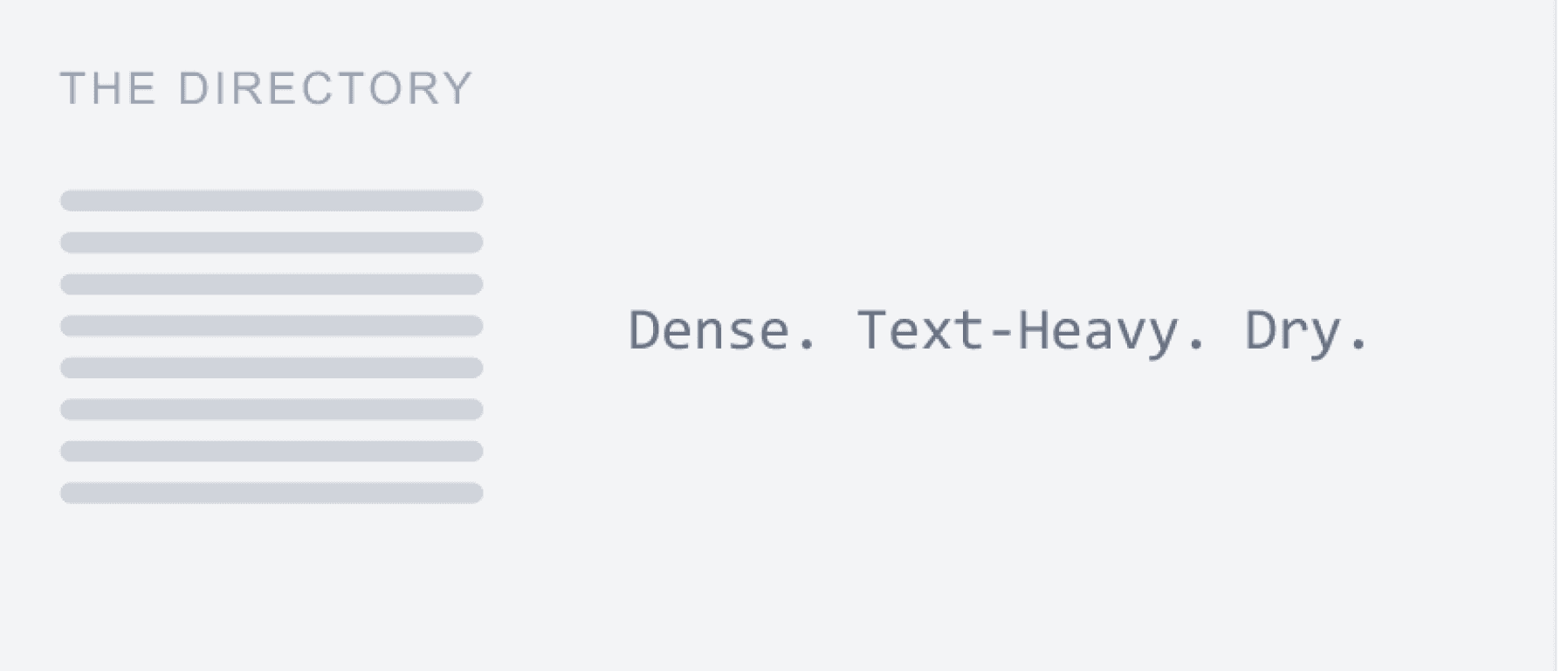
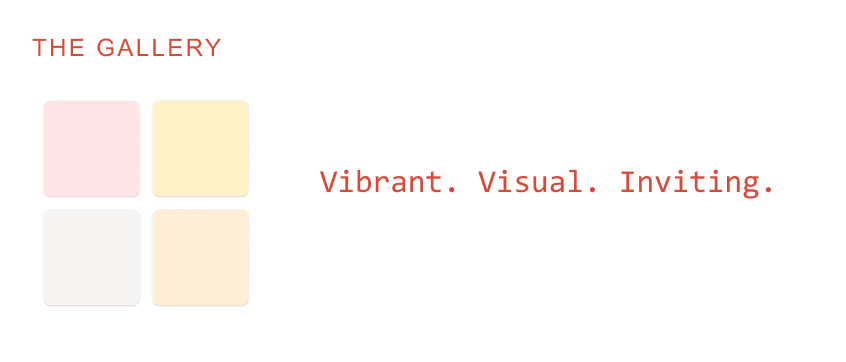
I started by looking outward. When I analyzed the landscape, I found something interesting. Tanishq's underlying structure the Information Architecture was actually solid. The categories for 'Occasion' and 'Gifting' were already there.
The problem wasn't the links; it was the lens. While competitors were treating their navigation like a visual galler using images to seduce the use we were presenting ours as a text directory. We forced users to read, while luxury competitors invited users to watch.
From "Passive Input" to “Active Input”
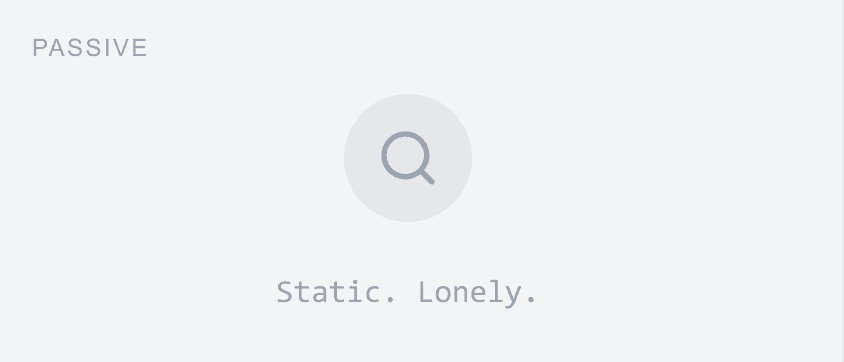
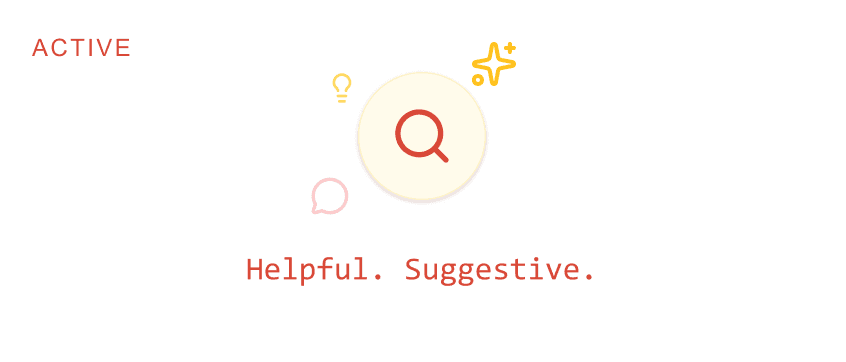
We saw the same gap in Search. Competitors had moved beyond simple 'keyword matching.' They were using Search as a discovery too offering trending items and visual cues before the user even finished typing.
We realized that in the luxury space, a blank search bar is a missed opportunity. We needed to stop waiting for the user to ask the right question and start suggesting the right answer.
Conceptualizing
Different Navigation Approaches
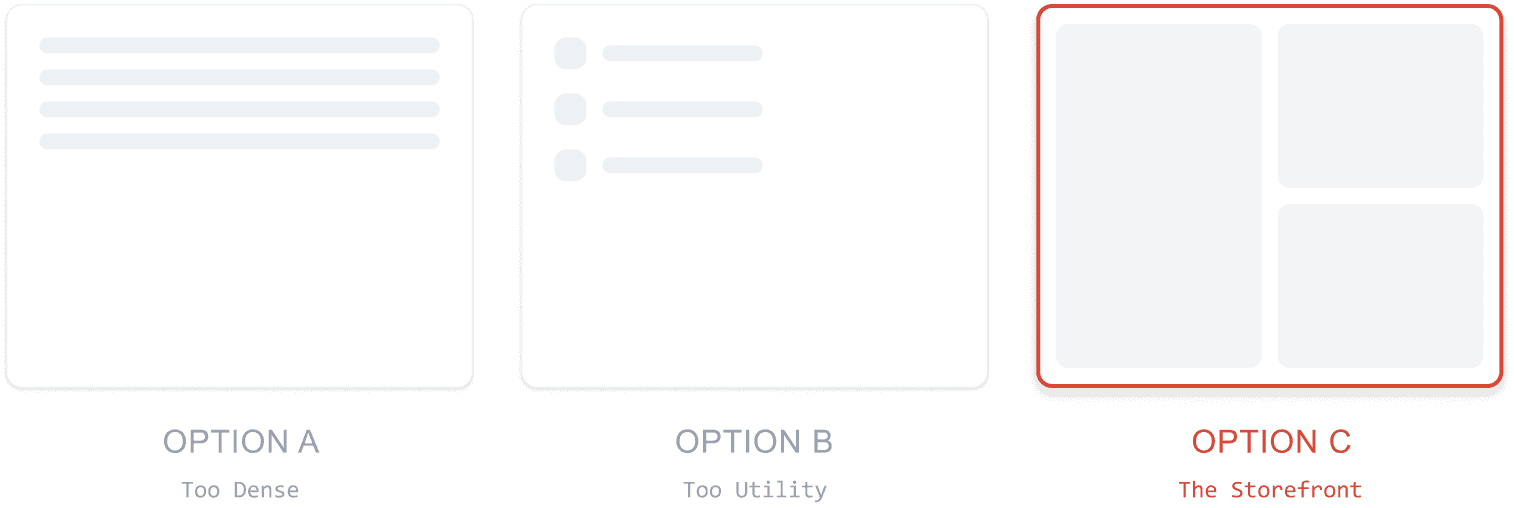
I didn't land on the final design immediately. I started with sketches. I tested a simple list (Option A), but it felt like a spreadsheet. I tried adding small icons (Option B), but it felt too much like a utility app.
I realized that to mimic the physical store, I needed space. I needed a layout that acted as a canvas for the jewellery, not just a list of links. That led us to Option C: The Visual Mega Menu.
Different Search Approaches
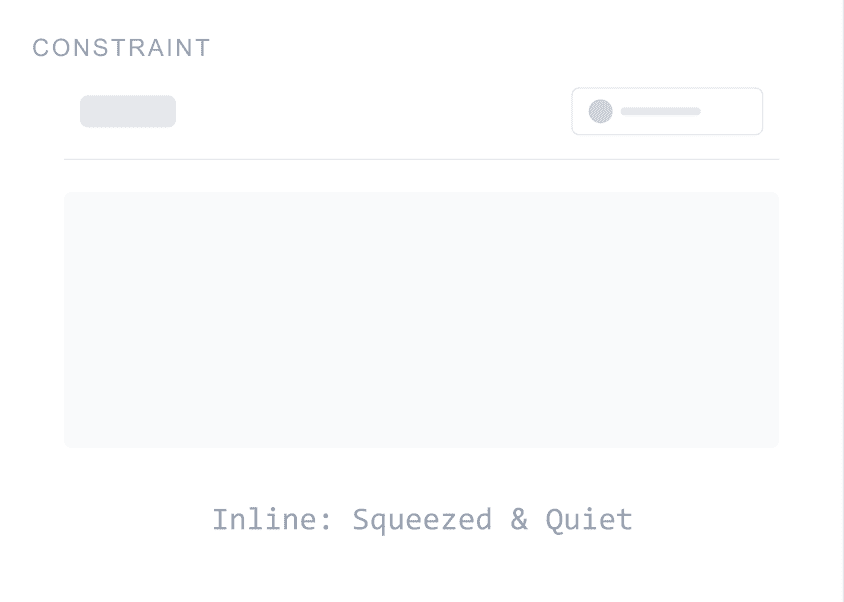
Option A: Enhanced Header Search - Keep search in the header and add an autocomplete dropdown: minimal disruption, but limited space for discovery features.
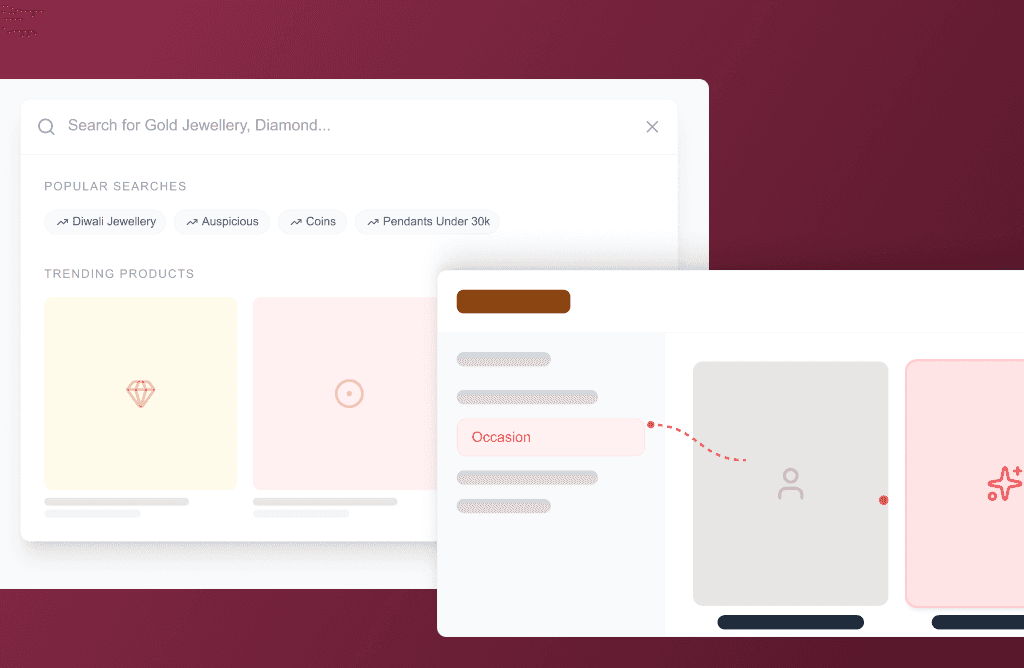
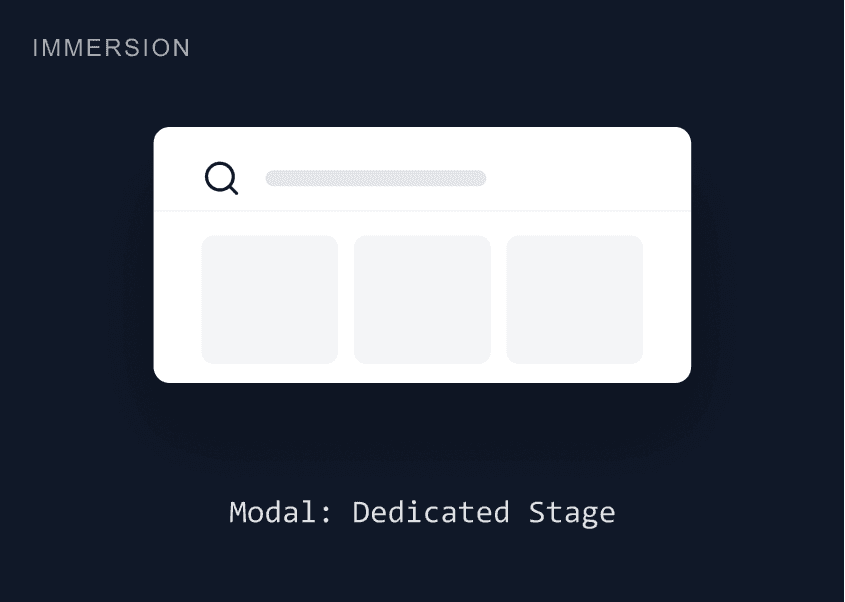
Option B Full-Screen Search Modal: Dedicated overlay that temporarily quiets the page. Room for trending products, popular searches, and visual suggestions. Higher commitment from the user, but richer experience.
Decision: Option B. If we want search to feel explorative, it shouldn't be squeezed into a corner.
Final Solutions
The Visual Mega-Menu
Here is the new Navigation. I introduced a segmented journey: Category, Price, Occasion, and Gender.
Crucially, I added high-quality imagery directly into the menu. Now, a user looking for 'Modern Wear' doesn't just read the text; they see the vibe immediately. It reduces cognitive load and increases desire.
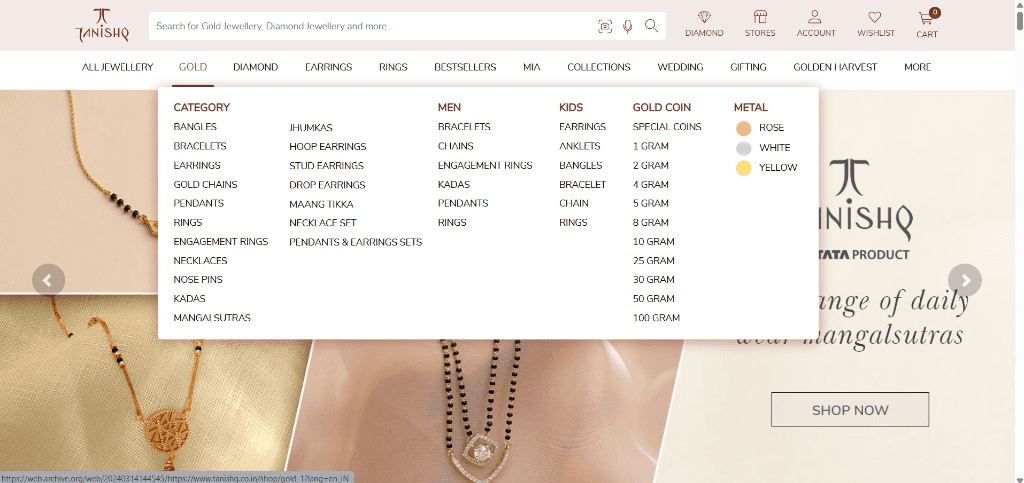
Before vs. After (Visual Reconstruction)
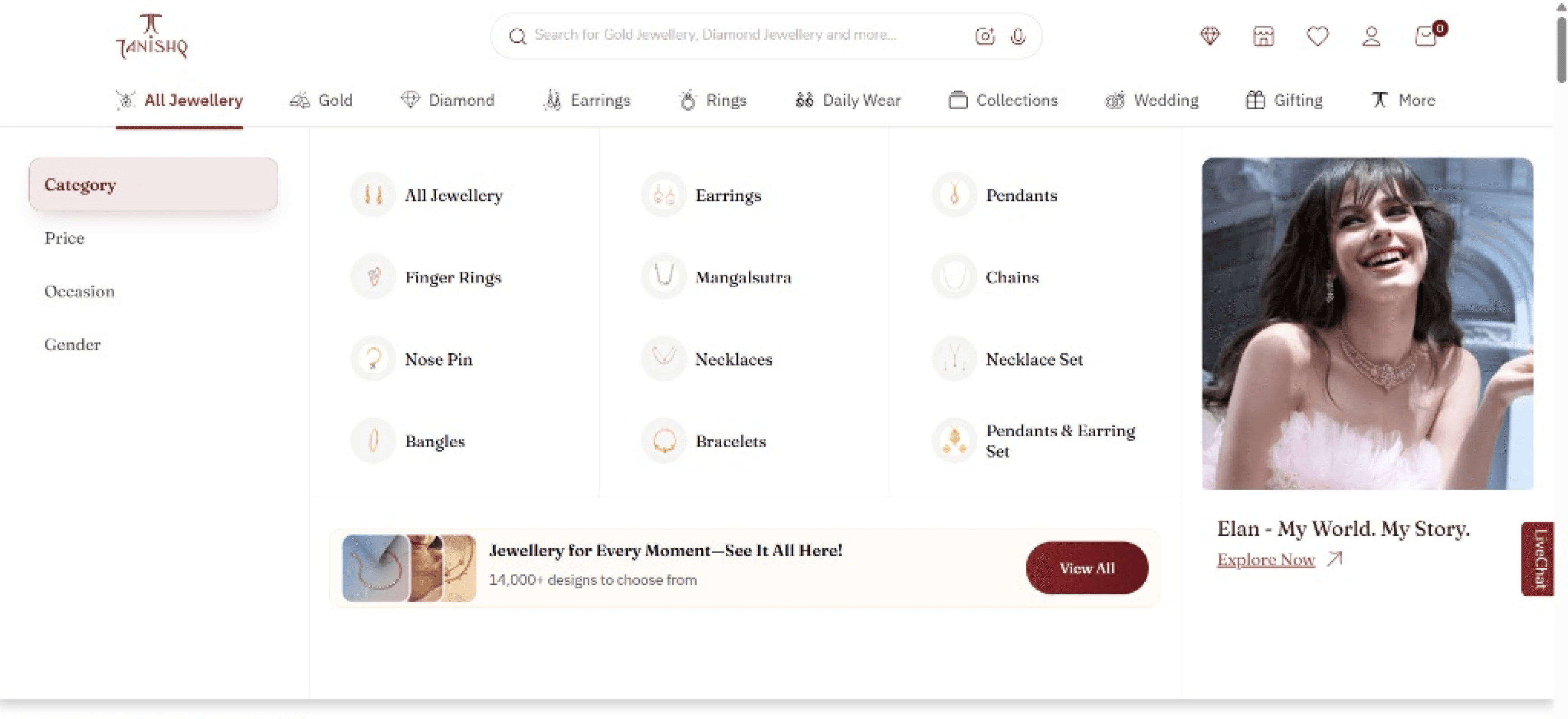
Segmented Journeys
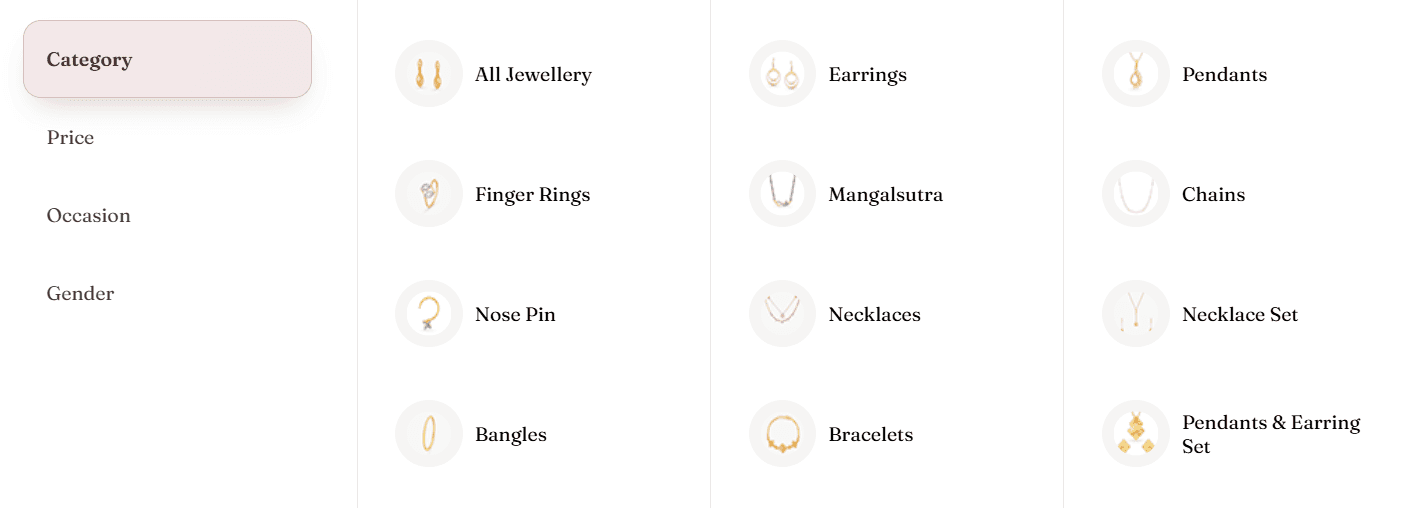
Custom iconography usage. This scans faster than text. If a user is skimming, their eye catches the 'Bangle' shape instantly. I made the discovery route upfront and visible, removing the guesswork.
The Mobile Immersion
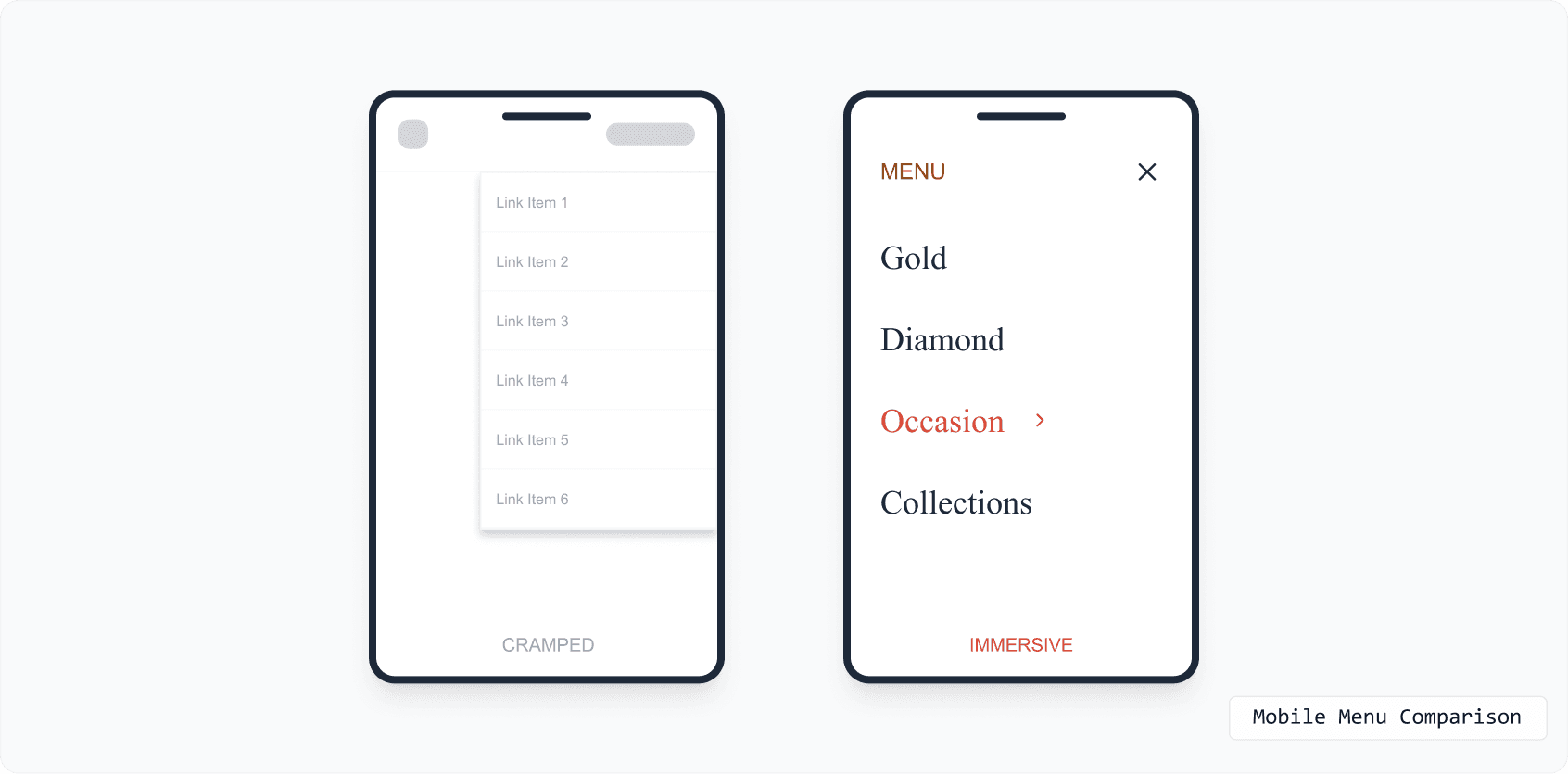
On mobile, space is premium. I moved away from a cramped dropdown to a full-screen overlay.
This allows the user to focus entirely on navigation without the distraction of the background page.
The "Helpful" Search
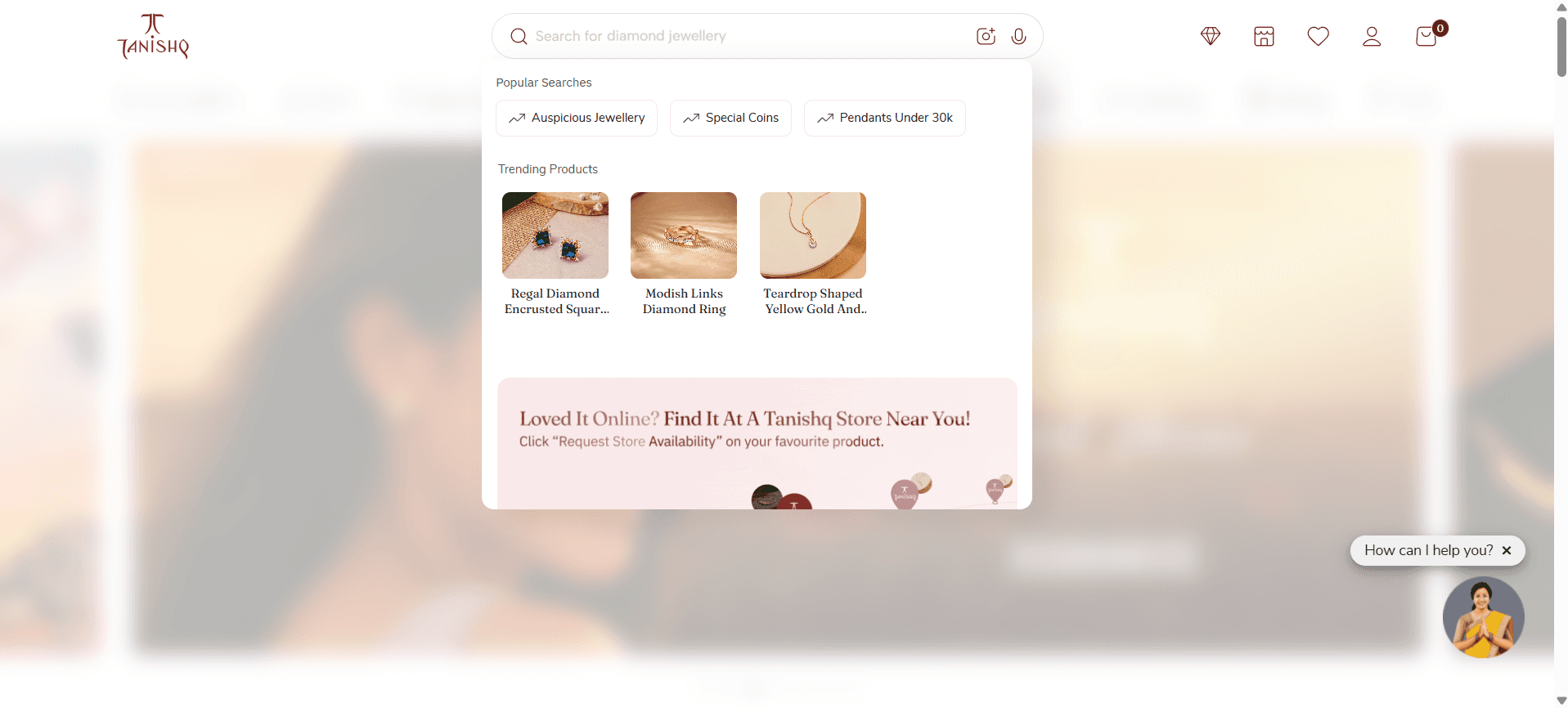
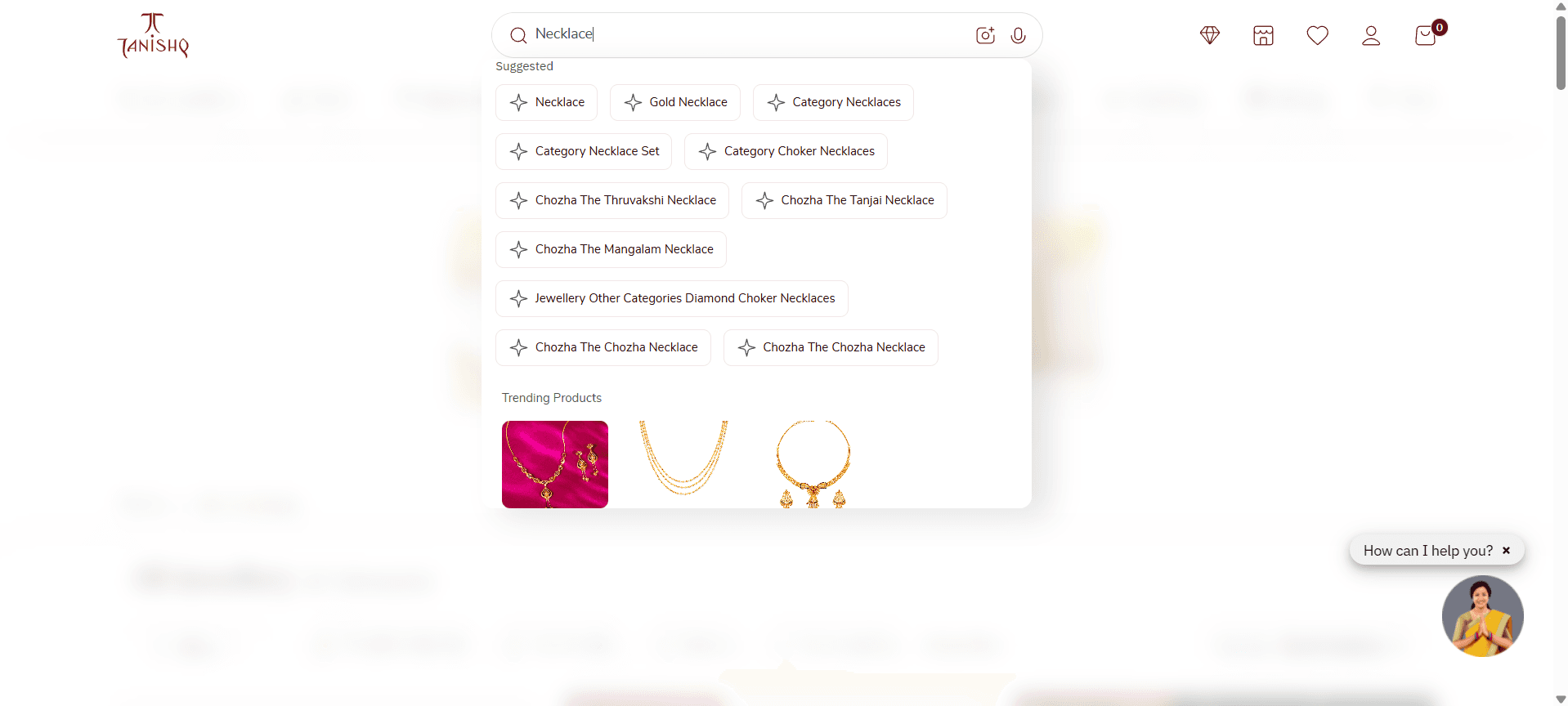
And finally, I fixed the 'Silent Clerk.' The new search is predictive. As you type, it updates letter-by-letter. But I went furthe we added 'Trending Products' and 'Popular Searches' right in the modal. Even if the user doesn't type a single word, we are already showing them bestsellers. I turned a blank page into a sales opportunity.
Impact & Results
The Outcome
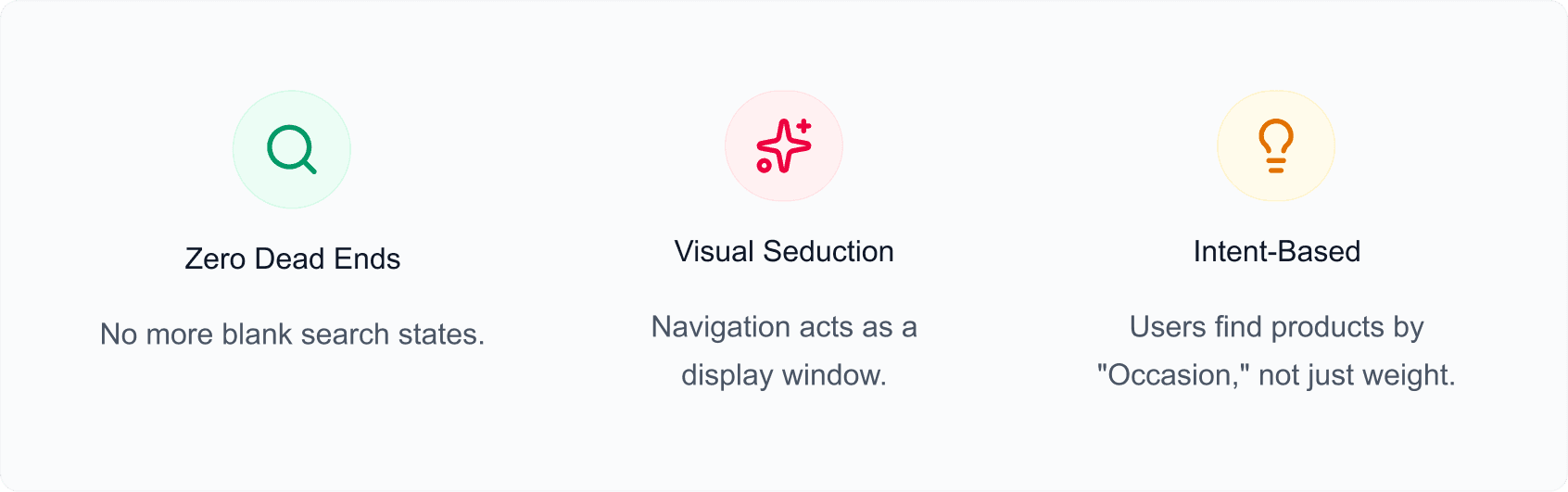
The result is a platform that feels like Tanishq. We transformed a utility-based directory into a discovery-led experience.
Users no longer feel like they are talking to a wall; they feel like they are being guided by an expert.